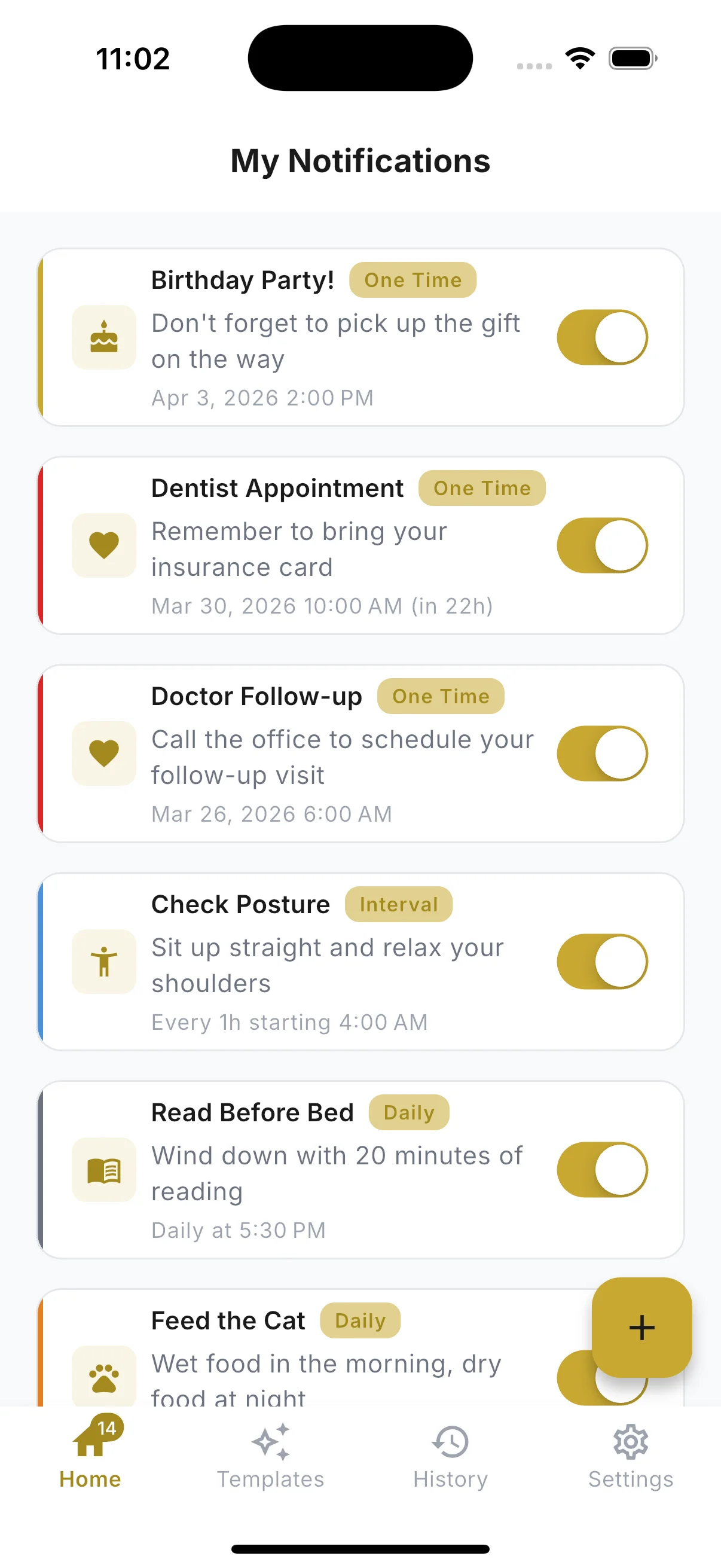
Everything You Need. Nothing You Don't.
Design, schedule, and manage custom notifications with total privacy.
Notification Designer
- Visual WYSIWYG notification builder
- Live lock-screen preview
- Custom title and body text
- See exactly what you'll get before scheduling
- Design once, reuse with templates
100+ Custom Icons & 15 Sounds
- Curated icon library by category
- Communication, Health, Finance, Work, and more
- 15 built-in notification sounds
- Preview any sound before selecting
- Unique visuals for every alert
Flexible Scheduling
- One-time, recurring, or interval reminders
- Daily, weekly, biweekly, monthly, yearly
- DayMinder mode: every X minutes between set hours
- Randomized timing to prevent habit blindness
- Quiet hours to pause notifications automatically
Persistent Reminders
- Nag-until-acknowledged mode
- Configurable repeat intervals (1–60 min)
- Escalation: increase urgency after missed alerts
- Custom snooze options (5 min, 1 hr, tomorrow, custom)
- Never accidentally dismiss a critical reminder
50+ Ready-to-Use Templates
- Medication, hydration, bills, meetings, habits
- Birthday and anniversary reminders
- Health, work, and personal categories
- One-tap creation from any template
- Create and save your own templates
Privacy & Instant Access
- Zero registration required
- No email, no password, no account
- All data stored locally on your device
- Zero cloud sync, no account, no ads
- GDPR compliant - anonymous crash reports only
Why CustomNotify?
See how CustomNotify compares to your phone's default reminders.
| Feature | Default Reminders | CustomNotify |
|---|---|---|
| Custom Icons | 100+ curated icons | |
| Custom Sounds | 15 built-in sounds | |
| Persistent Nag Mode | Repeats until acknowledged | |
| Ready-to-Use Templates | 50+ templates | |
| No Account Required | Zero registration | |
| Advanced Scheduling | Basic repeat only | Interval, randomized, quiet hours |
| Notification Preview | Live lock-screen preview | |
| Privacy | Cloud-synced | Reminders stay on-device, no account |
See It In Action
Designed to be simple, fast, and delightful to use.
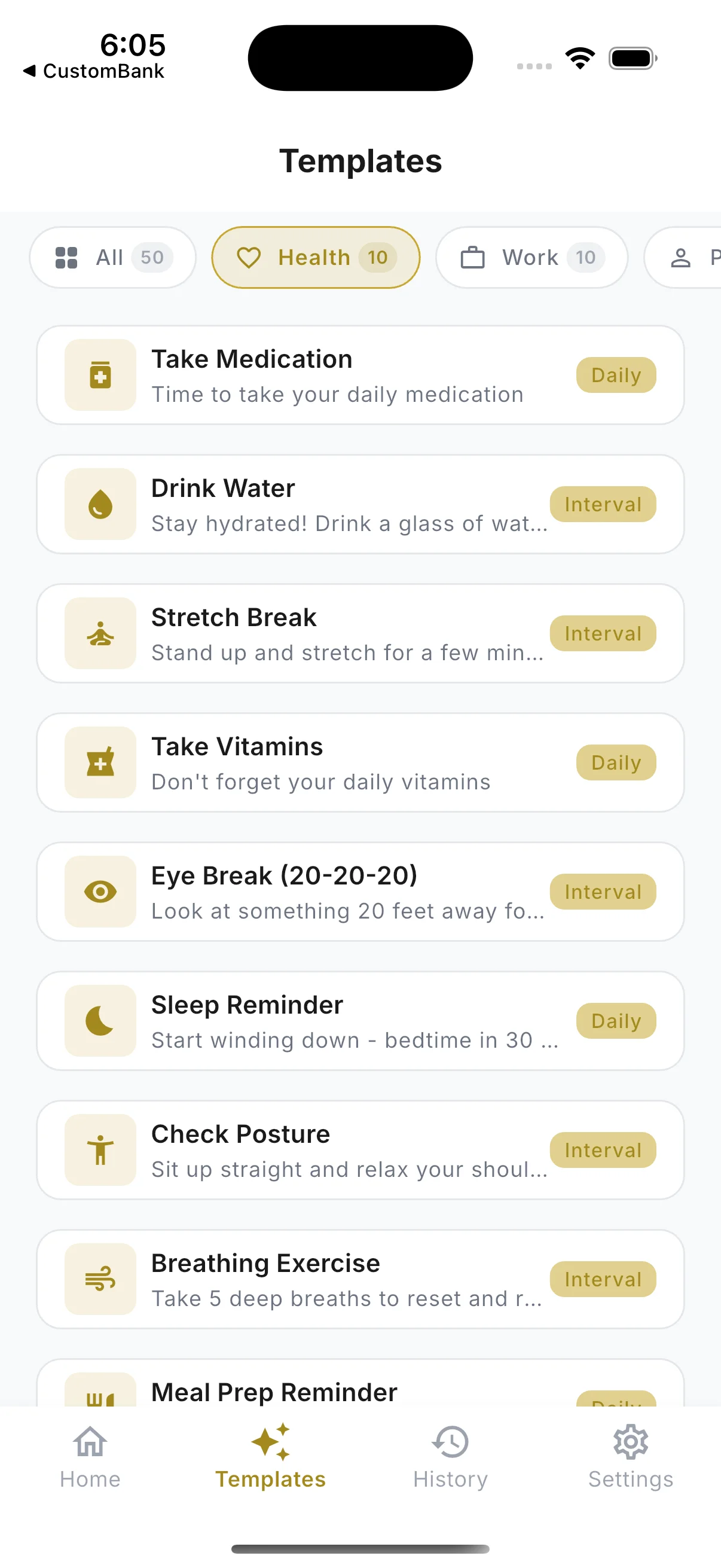
Templates
50+ ready-to-use templates for health, work, and personal reminders.
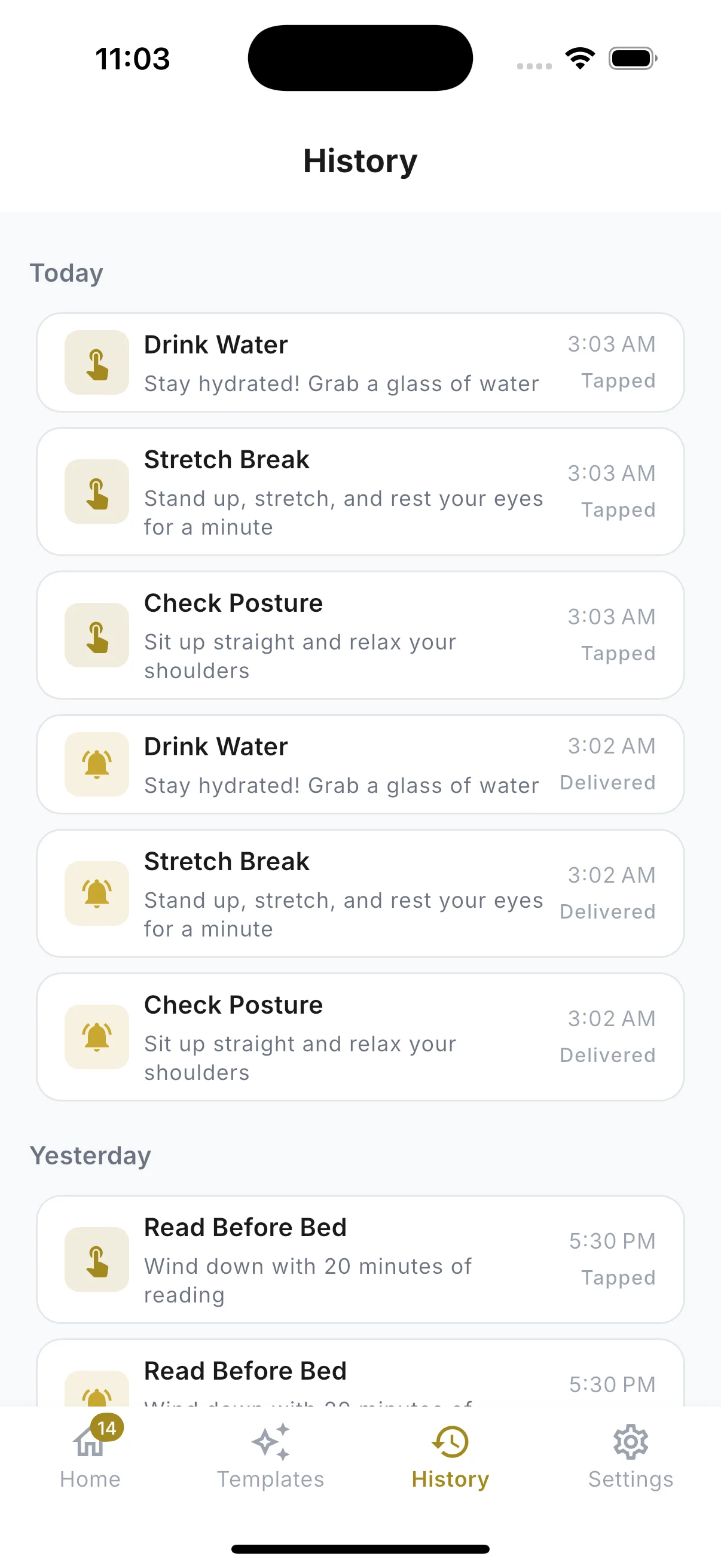
History
Track every notification - see what was delivered and when you responded.
Frequently Asked Questions
Yes, completely. Every feature is included: unlimited notifications, persistent reminders, advanced scheduling, all 50+ templates and full customization. There are no in-app purchases, no subscription and no ads. Nothing is locked behind a paywall.
No. CustomNotify works instantly with zero registration. No email, no password, no phone number. Just download and start creating notifications.
Everything stays on your device. We don’t use cloud servers and don’t sync your data anywhere. Your notifications, schedules, and preferences are 100% local and are never transmitted. The app does send anonymous crash reports and app-open events so we can fix bugs; those never contain your reminder content. See the privacy policy for the full detail.
Everything. Choose from 100+ icons, 15 built-in sounds, any color, custom title and body text, and up to 3 action buttons. A live preview shows you exactly how your notification will appear on your lock screen before you schedule it.
One-time reminders, recurring schedules (daily, weekly, biweekly, monthly, yearly), interval/DayMinder mode (every X minutes between set hours), and randomized timing within a window. You can also set quiet hours, pre-reminders, and specific days of the week.
Persistent reminders repeat at intervals you choose (every 1–60 minutes) until you acknowledge them. Perfect for medication, critical deadlines, or anything you can’t afford to miss. You can also configure escalation - if you miss several alerts, the frequency increases or the sound changes to something more urgent. It is included for everyone.
Yes. CustomNotify is available now on the App Store for iOS and on Google Play for Android.
Yes. Export all your data as a JSON file anytime from Settings. Save it to iCloud, Google Drive, or email it to yourself. Import it back on any device.
Yes. Notifications are scheduled with the operating system and fire even when the app is closed. On Android, we include a battery optimization guide to ensure reliable delivery on all manufacturers (Samsung, Xiaomi, etc.).
Part of the Custom Apps family - privacy-first apps that stay on your device


